
R&T Direct℠
Overview
R&T Direct℠ is a centralized portal that provides authorized users with secure access to R&T applications, resources, announcements, and support services.
After signing in and completing the required authentication process, users can access their authorized applications from a single location without needing to authenticate again for each application. R&T Direct also provides access to organizational announcements, quick links to commonly used resources, and support case management capabilities.
Purpose
The purpose of R&T Direct is to provide a single point of access to R&T products, services, resources, and support tools.
R&T Direct streamlines the user experience by allowing users to:
- Access authorized R&T applications and self-service capabilities from a centralized portal
- View important R&T announcements and communications
- Access frequently used R&T resources
- Submit and track support cases
Audience
This guide is intended for R&T Clients who access R&T Direct to launch authorized applications, review announcements, access resources, and manage support requests.
Users may have access to different applications, resources, and features based on their assigned permissions and organizational authorization.
Key Features
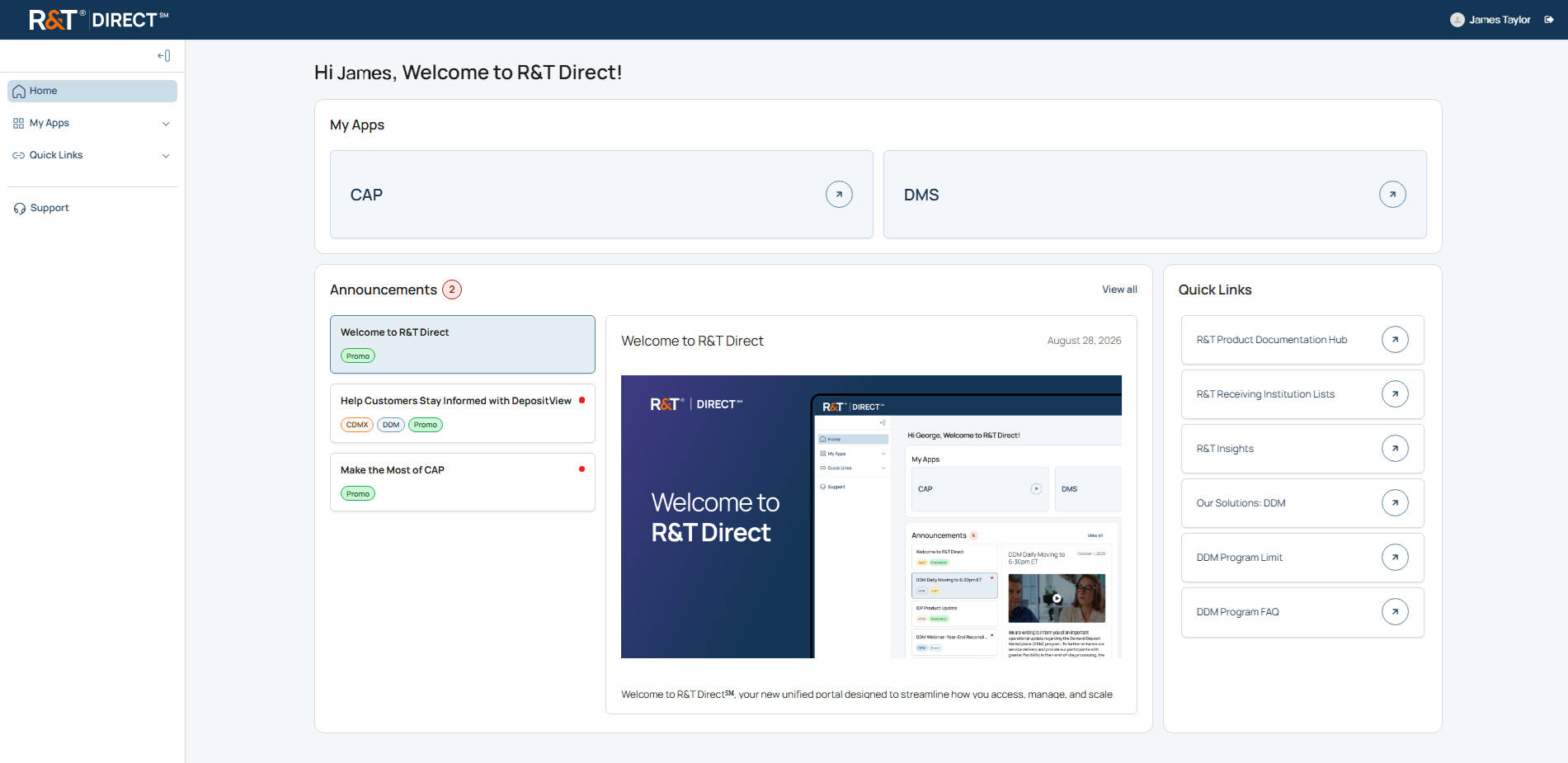
R&T Direct provides the following capabilities:
- The My Apps module provides access to authorized R&T applications.
- Announcements provides access to communications, alerts, and updates.
- Quick Links provides access to commonly used R&T resources.
- Support provides access to support case management tools.
- Left Side Navigation provides access to the primary areas of the application.
Before You Begin
Before you can access R&T Direct, you must complete the registration and authentication setup process described in the Okta Multifactor Authentication user guide.
The Okta Multifactor Authentication user guide provides instructions for:
- Registering your account
- Setting up authentication methods
- Signing in using available authentication methods
- Managing authentication settings
Sign In
For instructions on signing in using your configured authentication method, see Complete Sign-In in the Okta Multifactor Authentication user guide.
What You Need to Do
- Complete the sign-in process described in Complete Sign-In.
- Review the Welcome Message, if displayed.
Result
The Home page displays and provides access to your authorized applications, announcements, quick links, and support resources.
Welcome Message
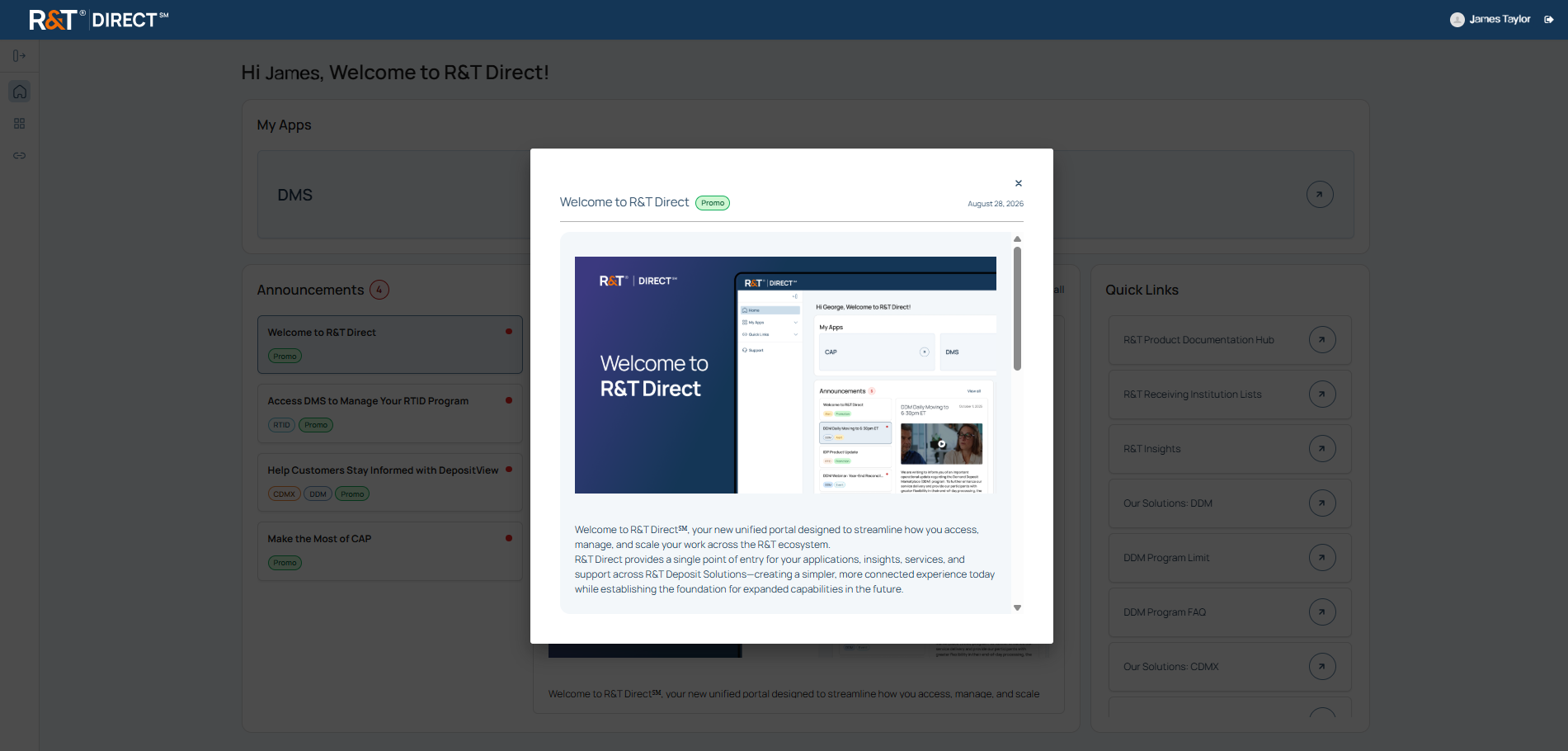
After successful authentication, R&T Direct may display a Welcome Message containing introductory information, onboarding content, or important updates. Close the Welcome Message to continue to the Home page.
Terms of Use
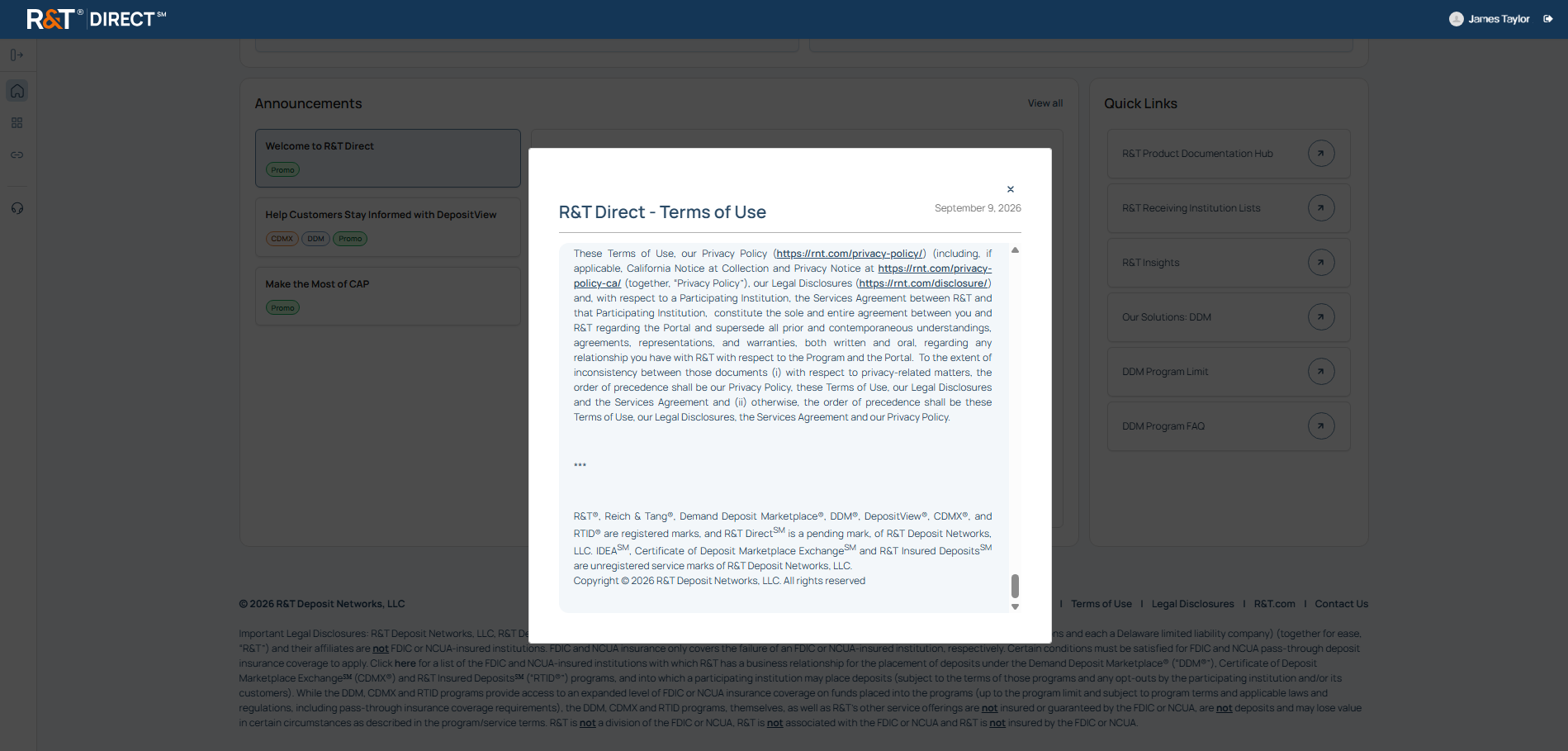
Access to and use of R&T Direct is subject to the R&T Direct Terms of Use. Users can review the Terms of Use at any time by clicking R&T Direct Terms of Use from the portal footer.
Sign Out
What You Need to Know
Signing out ends your current R&T Direct session.
What You Need to Do
- In the Global Navigation Header, select the icon located to the right of your name to sign out of R&T Direct.
Result
Your R&T Direct session ends and you are signed out of the application.
What's Next
- See Navigation to learn how to move between areas of the application and access available features.
- See Home to learn about the R&T Direct landing page and its available features.
- See My Apps to learn how authorized applications are displayed and accessed.
- See Announcements to learn how to identify unread announcements, interpret announcement tags, and use View All Announcements.
- See Support to learn how to create support cases, review case history, and monitor request status.
Updated 19 days ago